Supplier & Warehouse-Distributor Feed Management
Keep your catalog, inventory, and pricing current automatically. PartsLogic Connect syncs supplier and distributor data into your store on a schedule — so availability and pricing stay accurate without manual updates.
Less manual catalog work, fewer oversells, margins protected.
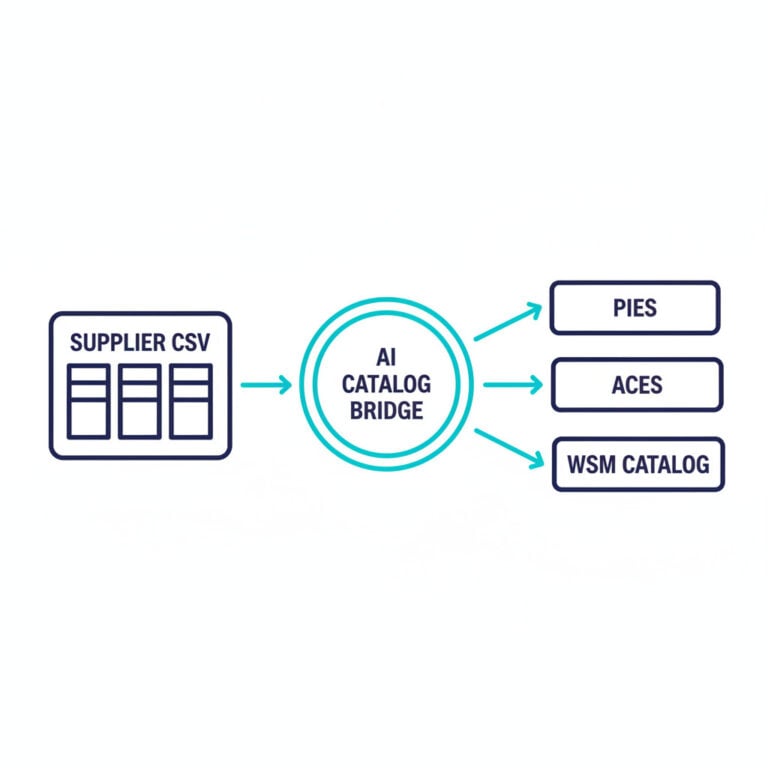
Stop maintaining your catalog by hand
Manual catalog updates do not scale to thousands of SKUs across multiple suppliers. PartsLogic Connect automates the entire data pipeline — catalog, inventory, pricing, images, fitment, and order routing — on configurable schedules backed by a persistent job queue. Every sync is reliable, observable, and dashboard-controllable. The full picture of our supplier feed automation, from source setup to sync history, is on the PartsLogic Connect page.
- Daily catalog syncs keep product data, images, and fitment current automatically
- Inventory refreshes every 15 minutes prevent overselling
- Apply your own pricing rules with MAP and margin protection
- See a data-quality grade on every product before it goes live
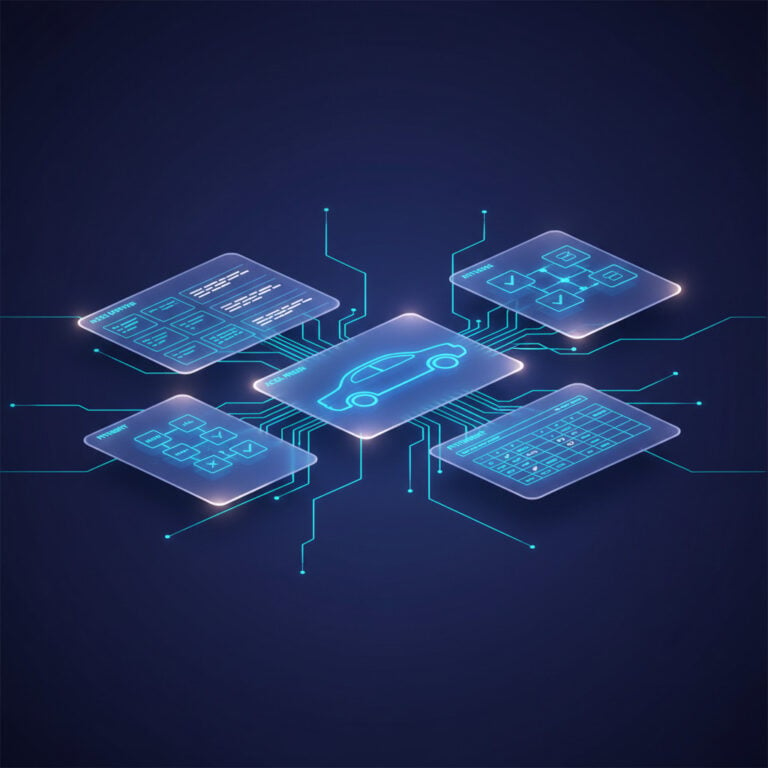
Automated supplier sync
PartsLogic Connect runs as a persistent service with a River job queue backed by PostgreSQL. Each supplier source gets its own sync schedule based on source type: distributors receive the full suite (catalog, pricing, inventory, orders, tracking), while data providers sync catalog, images, categories, and fitment. The scheduler reads its configuration from the storefront database on every tick, so schedule changes in the dashboard take effect immediately without restarting the service.
- Daily catalog sync pulls product data, images, categories, and fitment on schedule
- Inventory refreshes every 15 minutes — pricing daily — to keep availability and cost accurate
- Order polling every 5 minutes routes new orders to the right supplier automatically
- Shipment tracking syncs every 30 minutes so customers see real-time status
- All schedules and sync toggles are configurable from the dashboard — no restarts needed
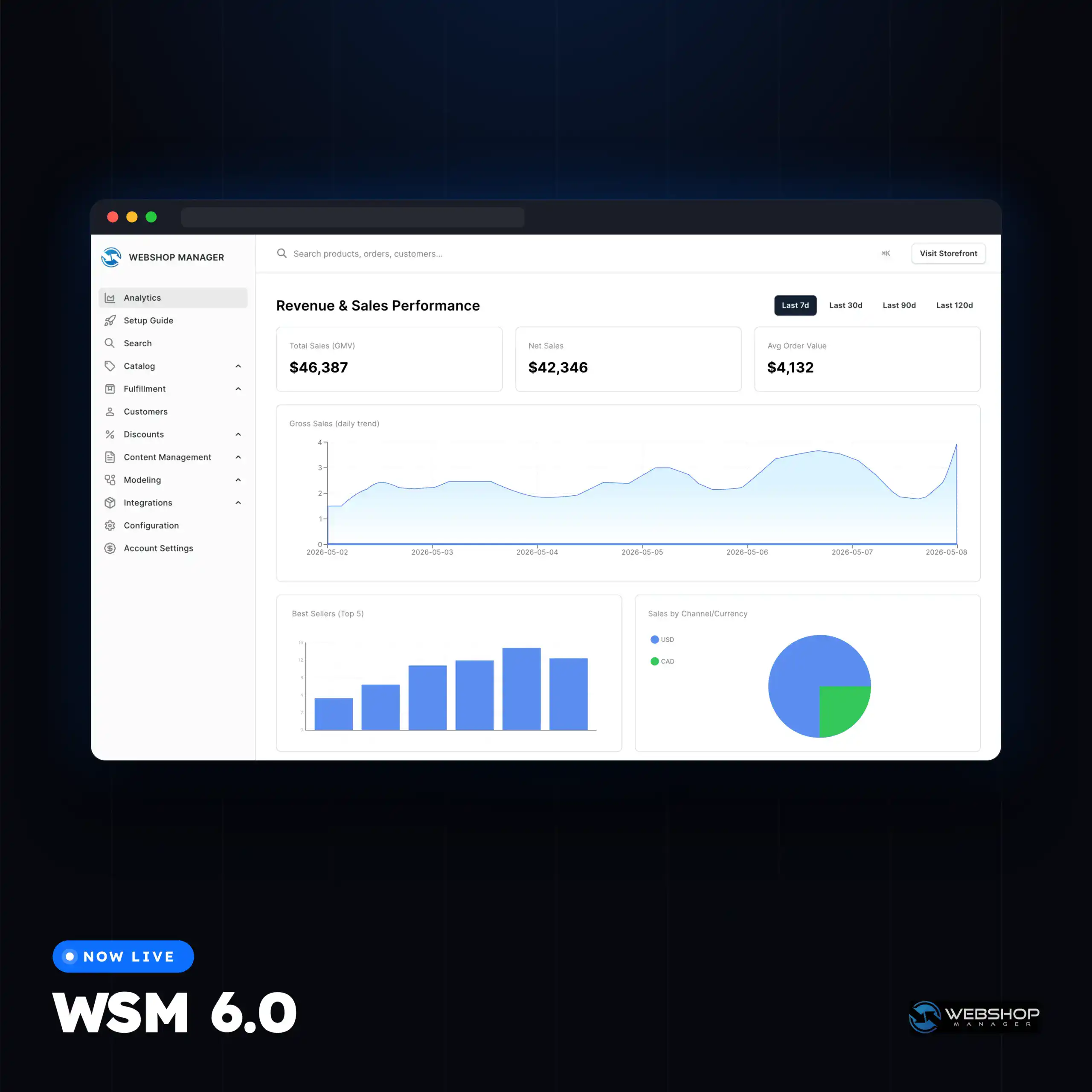
Pricing rules that protect your margins
- Set markup rules that turn supplier cost into your retail price
- Enforce MAP and minimum-margin floors automatically
- Large price swings land in a review queue before they go live
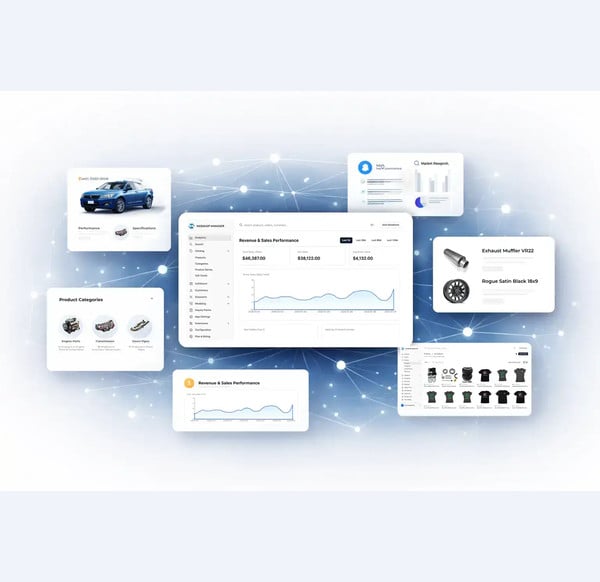
Clean data you can trust
- Maps supplier data to your catalog using ACES/PIES standards
- Auto-assigns categories with aftermarket rule sets
- Grades every product A–F on completeness before publishing
- Exclude brands or products you do not want to carry
Explore related eCommerce Platform readiness guides
Keep building your platform story — these readiness guides connect fitment, catalog, search, performance, operations, and commerce capabilities across the eCommerce Platform cluster.
Feed management FAQs
PartsLogic Connect connects to major aftermarket distributors, starting with Turn14, with additional sources rolling out. Connections can sync catalog data, pricing, inventory, images, orders, and tracking.
Inventory refreshes on a frequent schedule throughout the day (commonly every 15 minutes) to keep availability close to real time and reduce overselling. Schedules are configurable by source.
Yes. You set markup rules to turn supplier cost into your retail price, enforce MAP and minimum-margin floors, and route large price swings to a review queue before they publish.
Feed Management is an automated, ongoing connection to a supplier or distributor. AI-Assisted Data Import is for uploading spreadsheets and mapping them into your catalog. They work together: feeds keep live sources current, and imports handle file-based updates.
Yes. Supplier data can be mapped using ACES/PIES standards, with vehicle data resolved against VCDB and part terminology against PCdb.

Ready To Grow Your Business?
Ready to grow your aftermarket eCommerce presence and lift conversions across auto, truck, powersports, marine, and more? Connect with
Web Shop Manager for tailored solutions: strategy, platform, and performance in one team.