Search Merchandising
Search isn’t just retrieval — it’s a merchandising surface. PartsLogic lets you promote the products you want shoppers to see, by keyword, vehicle, or attribute, and schedule it around your seasons and promotions.
Put the right parts in front of the right shoppers, on purpose.

Your best-margin parts shouldn't be left to chance
Default relevance ranking treats every product the same. PartsLogic search merchandising gives you the controls to decide what rises to the top — boosting high-margin, in-stock, or promotional products and de-boosting the ones you would rather not feature — by keyword, vehicle fitment, or attribute, with publish dates so campaigns run themselves.
- Boost or de-boost products in search results to match your strategy
- Merchandise by keyword, Year-Make-Model, or product attribute
- Schedule boosting with publish dates for seasonal and promotional campaigns
- Keep high-margin and in-stock parts in front of high-intent shoppers
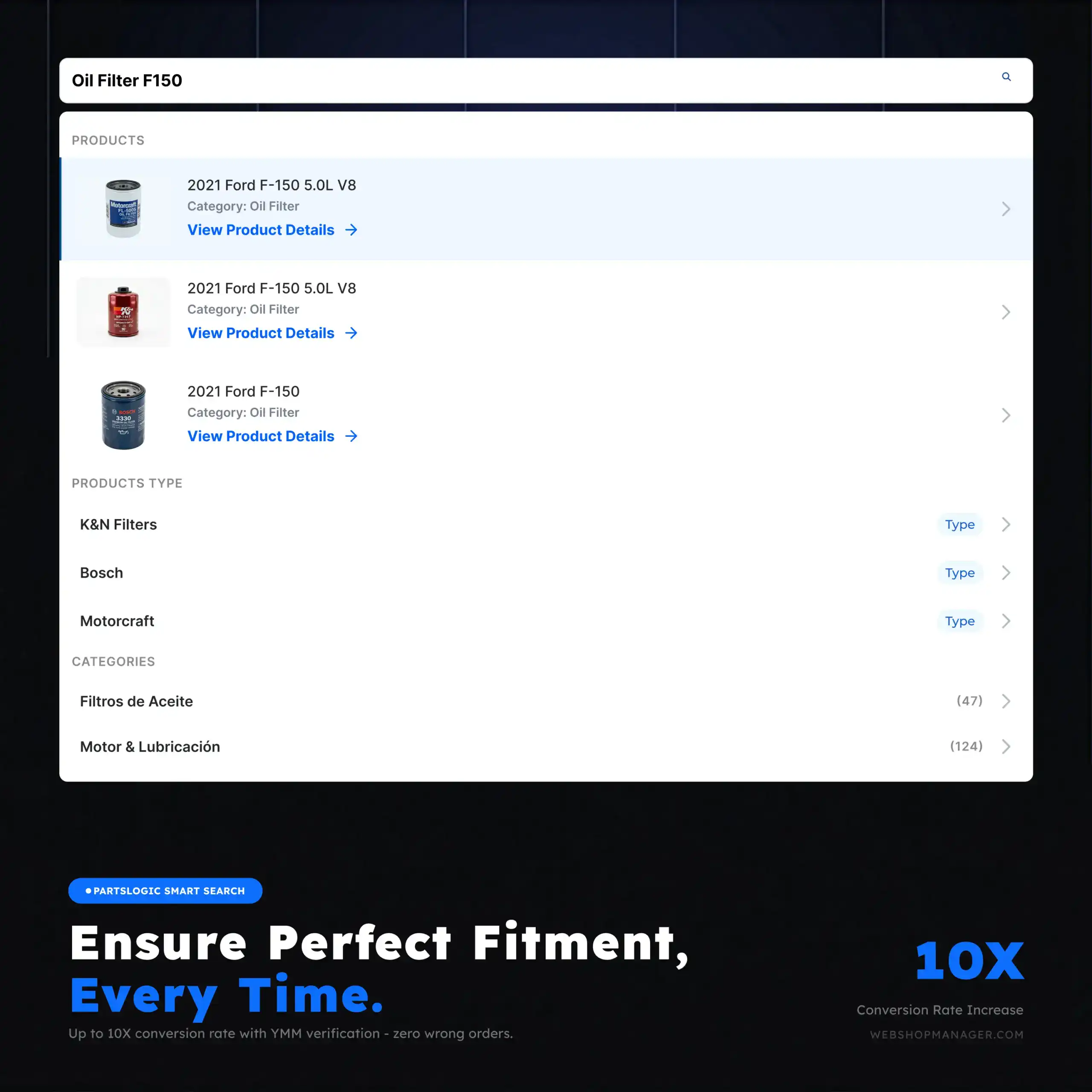
Boosting and de-boosting
- Promote chosen products to the top of relevant search results (boosting)
- Push less-desirable results down without hiding them (de-boosting)
- Feature high-margin, in-stock, or strategic parts where shoppers will see them
- Apply controls without rebuilding your catalog or category structure
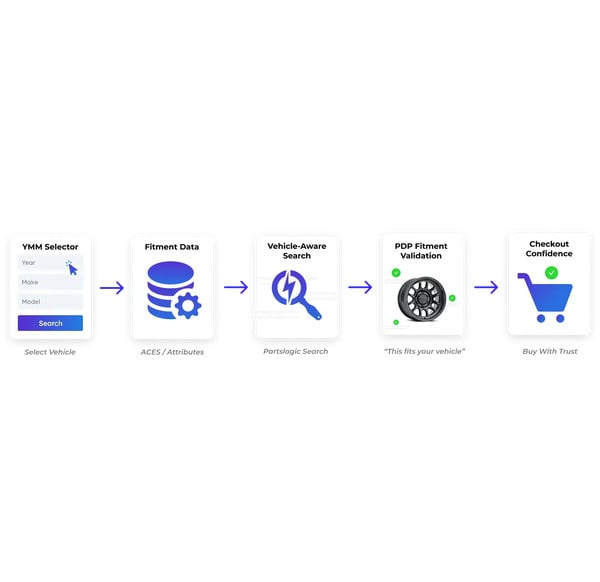
Merchandise by keyword, vehicle, or attribute
- Target boosting rules to specific search keywords
- Promote products for a specific Year-Make-Model so the right fitment wins
- Merchandise by attribute — brand, category, or product characteristic
- Align search results with how your shoppers actually browse
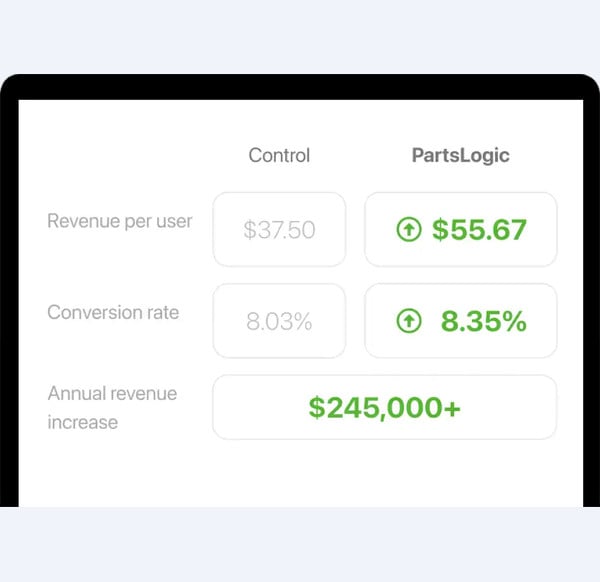
Scheduled, campaign-ready merchandising
- Set publish dates so promotions start and stop on their own
- Run seasonal campaigns without manual daily intervention
- Coordinate search merchandising with site-wide promotions
- Keep featured products fresh as your strategy changes
Explore related eCommerce Platform readiness guides
Keep building your platform story — these readiness guides connect fitment, catalog, search, performance, operations, and commerce capabilities across the eCommerce Platform cluster.
Search Merchandising FAQs
Search merchandising is the ability to influence what products appear first for key searches — using boosting, pinning, and ranking rules — so business priorities show up alongside relevance.
Boosting pushes selected products higher in results while still respecting relevance. Pinning places a product in a fixed position (often the top slots) for a specific query or set of searches.
Yes. You can pin seasonal items, boost promoted products for targeted queries, and adjust ranking rules to support campaigns without changing your entire catalog structure.
Yes. Merchandising controls operate within PartsLogic’s fitment-aware search behavior, so promoted products still respect vehicle compatibility and catalog constraints.
By reviewing search analytics and behavior signals (top queries, click-through, add-to-cart, zero-results) and iterating your boosts, pins, and ranking rules based on real shopper outcomes.
No — it complements it. Category merchandising shapes browsing, while search merchandising controls what shows up first when shoppers use the highest-intent channel: search.

Ready To Grow Your Business?
Ready to grow your aftermarket eCommerce presence and lift conversions across auto, truck, powersports, marine, and more? Connect with
Web Shop Manager for tailored solutions: strategy, platform, and performance in one team.