AI-Assisted Data Import
Bring any supplier spreadsheet, ACES/PIES file, or product export into your catalog, and let AI map the columns for you. Web Shop Manager reads your file, suggests where every column belongs, shows its confidence and reasoning, and waits for your approval before anything imports.
Messy supplier data in. Clean, fitment-ready catalog out.
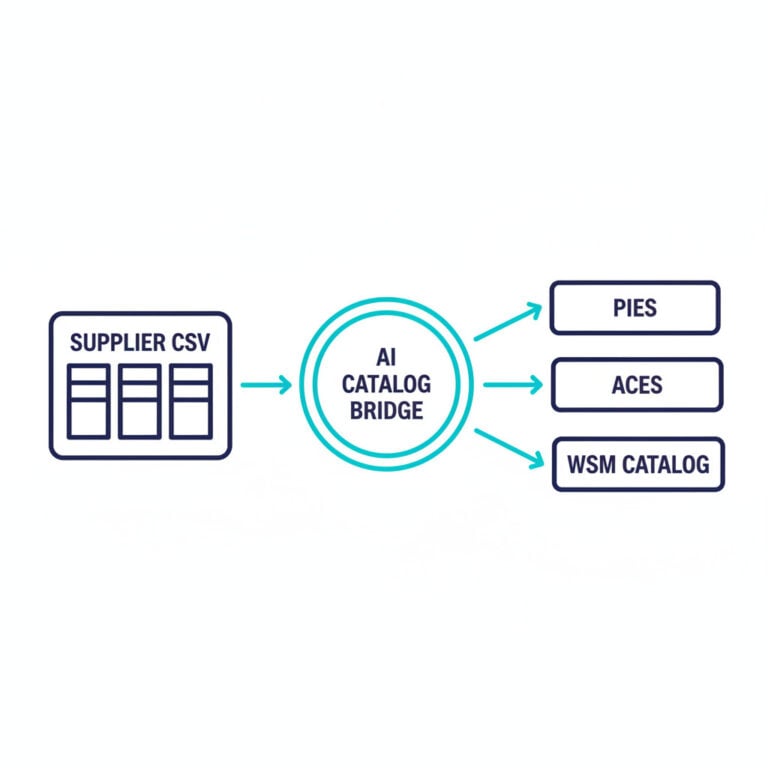
Supplier data never comes in your format
Every distributor exports differently: different column names, different layouts, ACES and PIES files most carts can't read at all. Web Shop Manager uses AI to read whatever you have and map it to your catalog, so onboarding a new feed takes minutes instead of a manual spreadsheet project.
- Map any spreadsheet's columns to your catalog automatically
- Read ACES and PIES automotive data files natively
- See a confidence score and a reason for every suggested mapping
- Review and approve before a single row is imported
AI column mapping
- AI reads your file's columns and proposes where each one belongs in your catalog
- Every suggestion carries a confidence score and a plain-language reason
- Each mapping is labeled by source: your own saved rule, an ACES/PIES standard, a cross-merchant match, or AI
- Works on the column names you actually have: no renaming or reformatting first

Built for ACES & PIES
- Reads ACES and PIES files (XML or CSV) as first-class formats
- Recognizes the standard ACES and PIES fields automatically
- Resolves VCDB vehicle IDs to real Year / Make / Model from a bundled industry dataset
- Turns coded automotive data into shopper-ready fitment on your products
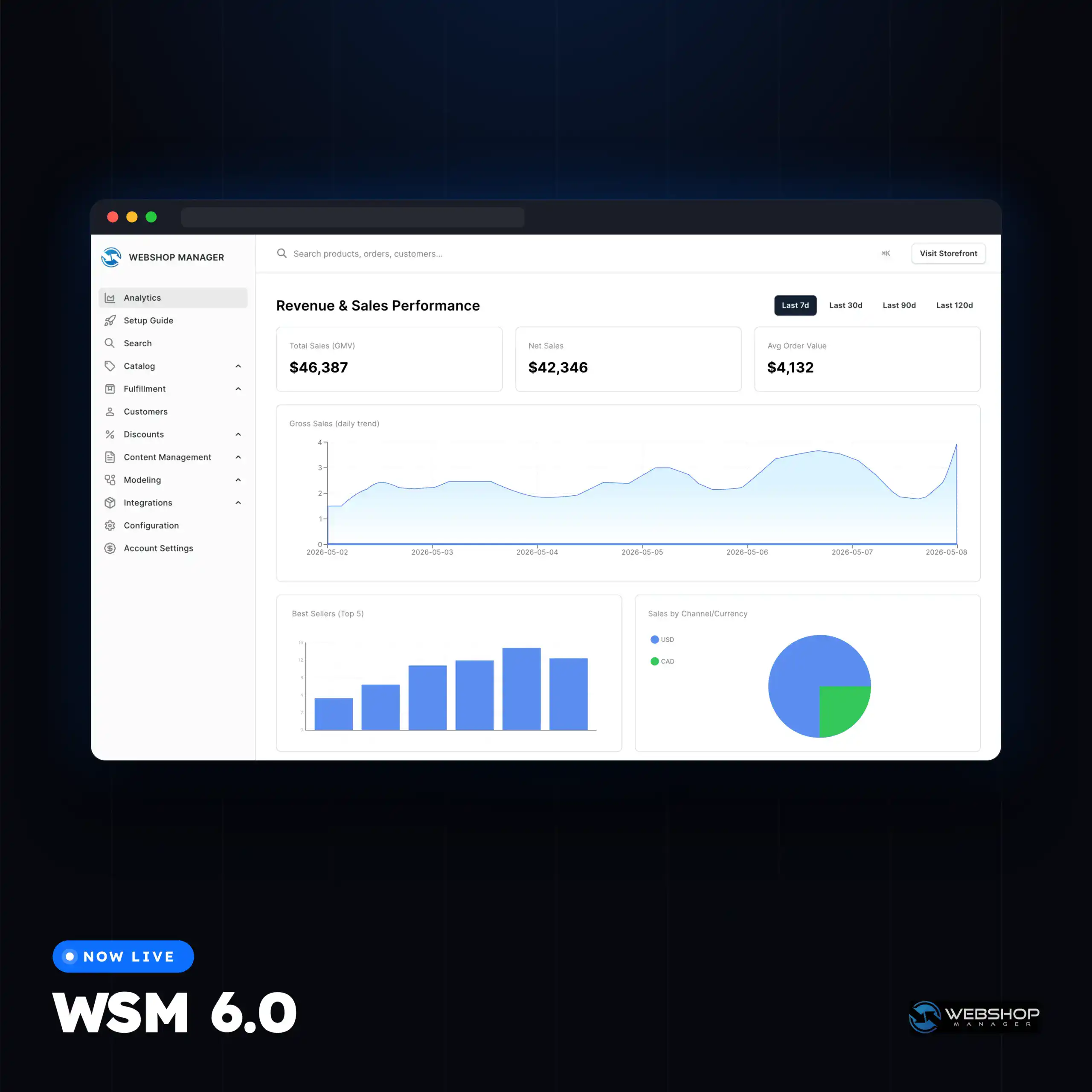
Review before anything imports
- Preview every mapping with its confidence and source before you commit
- Catch two columns competing for the same field before they collide
- Confirm the import as a separate, deliberate step
- Nothing touches your live catalog until you say so
It learns your formats
- Confirm a mapping once and it's remembered: next time that feed maps itself instantly
- Your confirmed mappings quietly sharpen suggestions for everyone (anonymously)
- Re-importing your own exports just works: the columns line up automatically
Set it and let it run
- Schedule imports to pull from a supplier URL on a recurring basis
- Connect over HTTPS, SFTP, or FTP with stored, encrypted credentials
- Bring in products, variants, fitments, categories, stock, and channel listings
- Handle large files without choking: imports stream in batches
Explore related eCommerce Platform readiness guides
Keep building your platform story: these readiness guides connect fitment, catalog, search, performance, operations, and commerce capabilities across the eCommerce Platform cluster.
AI Data Import FAQs
No: you upload the file the way the supplier sent it, and the AI maps its columns to your catalog. You review the suggestions and confirm; there’s no manual reformatting step.
CSV and Excel (XLSX) spreadsheets, plus ACES and PIES automotive data files in XML or CSV. Excel files are handled automatically: no need to save as CSV first.
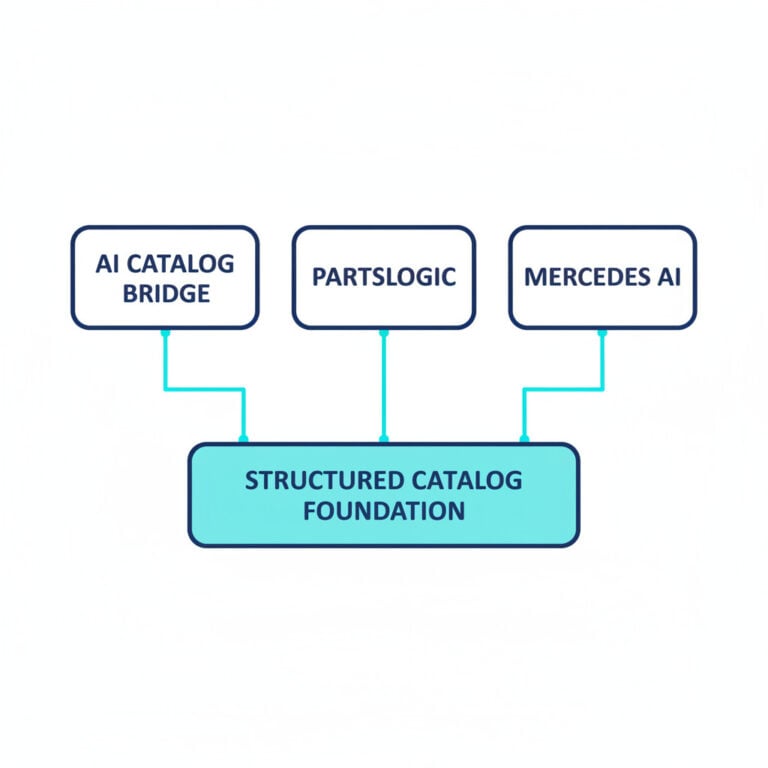
They’re complementary. PartsLogic Connect keeps your catalog and pricing in sync with connected distributors automatically on set rules. AI-Assisted Data Import is for bringing in any file (a one-off supplier spreadsheet, an ACES/PIES drop, or a scheduled feed) where the columns need to be understood and mapped first.
You’re still covered. Even without an AI key, the tool maps the automotive-standard ACES/PIES fields and recognizes common column patterns on its own. The AI simply makes mapping smarter on unfamiliar or messy files.
Not without your say-so. Every import is review-first: you see the proposed mapping, its confidence, and its source, resolve any column conflicts, and confirm as a separate step before anything is written to your catalog.
Yes. It reads ACES fitment and resolves the industry-standard VCDB vehicle IDs to real Year / Make / Model, so coded automotive data becomes shopper-facing fitment on your products.

Ready To Grow Your Business?
Ready to grow your aftermarket eCommerce presence and lift conversions across auto, truck, powersports, marine, and more? Connect with
Web Shop Manager for tailored solutions: strategy, platform, and performance in one team.