Customizable CSV & XML Data Import / Export Tool

Data Import Export for eCommerceRevolutionary Data Import/ Export

In order to simplify our client’s lives we have developed what we believe is the most revolutionary Data Import/ Export tool available.  There are so many uses for this capability we can not list them all here but we can give you a few ideas. 

Use Import/ Export for:

  • Migrating from another eCommerce Shopping Cart
  • Exporting product data - making a mass product update - importing the updated product information back in
  • Creating custom mapped import profiles
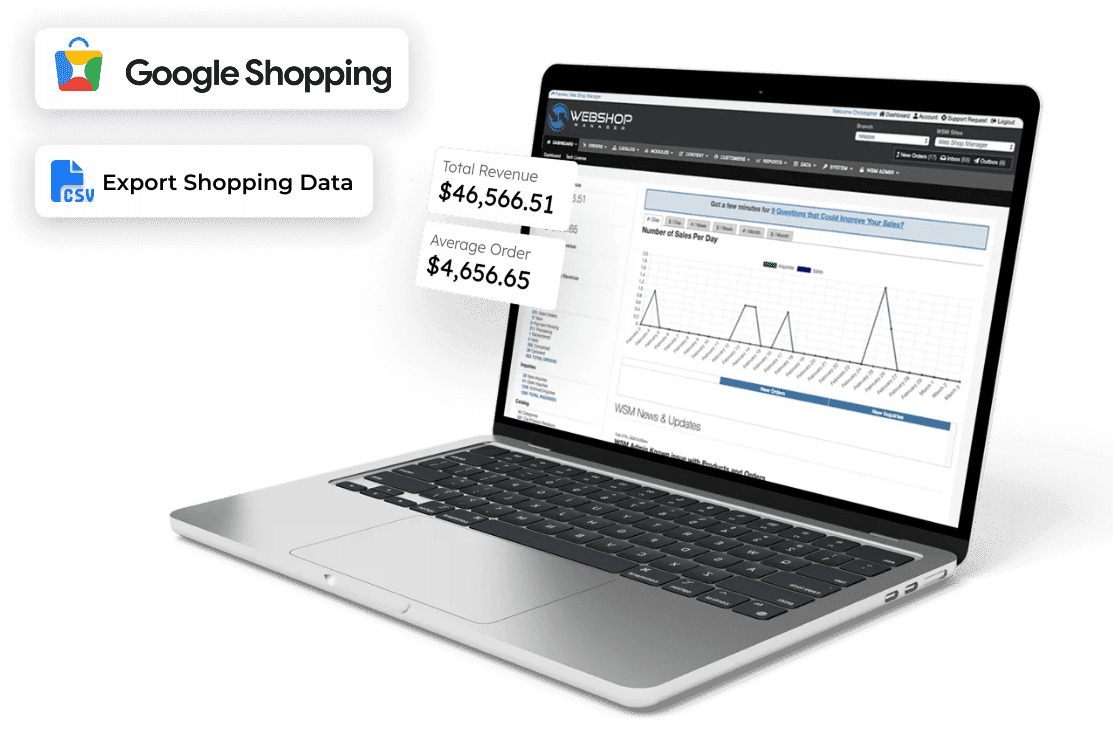
  • Automating Shopping Data Feeds
  • Importing product information for accounting systems, and 3rd party data providers

Developed with Versatility in Mind

Where there’s a need there’s a way with WSM™ data Import/ Export capabilities.  The Import/ Export tool was designed to cover just about any situation that arises.  If every product in your database is receiving a name change: export using a custom mapped CSV – make your changes in the database – import back in.    

Common Data Formats

TSV PSV or CSV (Tab Pipe or Comma Separated Values) can be used in conjunction with:

1. Spreadsheet & Databases For those that maintain inventory levels in spreadsheets a custom mapped import profile can be used to import data to WSM™ manually or automatically depending on your needs.  This is your profile, you call the shots.  

2. Third Party Data Providers Sync with the back office or a third party data provider.

3. Shopping Cart Migration When it is time to upgrade from your current eCommerce Shopping cart to WSM™ custom mapped import files will make the task just that much easier.

4. Tracking Numbers Set up your shipping platform to generate a comma separated value export file that can be used to update tracking numbers on all your shipped orders.

XML (Extensible Markup Language)

1.   Order Export When it is time to upgrade from your current eCommerce Shopping cart to WSM™ custom mapped import files will make the task that much easier. Here are a few of the platforms we support:

  • Interapptive ShipWorks Shipping Software
  • Microsoft Dynamics NAV (formerly Navision)
  • QuickBooks using the QuickBooks Web Connector 

Dynamic Data Exporting

With WSM’s™ powerful exporting capabilities it is possible to extract ANY list including:

  • Order Export
  • Product Export
  • Category Export
  • Event Calendar Export
  • Customer Statistics Export
  • Order Analytics Export
  • Newsletter Subscriber Export
  • Customer Inquiry Export
  • Most Site Data is Exportable

Target Marketing using Customer Statistics

WSM™ tracks an exhaustive list of customer statistics.  The information allows the site owner to use incredible precision to target an audience with marketing campaigns.  The power comes from matching the marketing campaign to a specific group.  The conversion rate should increase and eliminate the need to market to an uninterested group.  Can you do that with print ads? 

Benefits of using Customer Statistics in Marketing Campaigns:

  • Increased Customer Retention – Marketing a specific promotion is difficult unless you know who your target market is.  You will risk losing repeat customers if they are continue to receive irrelevant promotions or marketing material. 
  • Boosted ROI (Return on Investment) – Customer Statistics offer an inside look into what is happening (or not happening) with certain products or price points.  Use this information to eliminate the dead weight, or run a promotion to encourage the sales of another. 

Here are some examples of the incredible information that is tracked and ready to be exported for sorting purposes:

  • First Product Ordered
  • First Order Date
  • First Order Amount
  • Last Product Ordered
  • Last Order Date
  • Last Order Amount
  • First Brand Ordered
  • Last Brand Ordered

For example, if you wanted to use WSM™’s Promotion System to offer a 25% off coupon code specifically for people that ordered ‘x’ brand over 6 months ago and haven’t placed an order since…you could easily do that.  

Custom Data Importing

Whether you prefer automatic or manual data imports yeah, we can handle that.  We put our client’s in the driver seat allowing them to create customized product import files.

  • Product & Imports – Product additions and modifications can be made outside of the Content Management System in a spreadsheet and imported back in with photos, application info, options, category mapping, PDF’s and even SEO.
  • Category Imports – Of course you can import the category name and tree with the product import, but we also allow you to import the category description, image and SEO information like page title and Meta tags.
  • Event Calendar Imports – Maintain your event calendar in a spreadsheet?  WSM™ makes it exceedingly easy to import that information so that all parties are on the same page. 
  • Tracking Number Imports – Introduce a profile to work in conjunction with your preferred shipping platform.  You could add tracking numbers to sales orders faster than it would take you to think about it.   

Custom Data Importing can be as dynamic as the information you need to import.  Once the customized profile is established the hard part is over.  Sit back, and watch the shipment tracking numbers populate your sales orders.

Automatic Data Import Scheduler

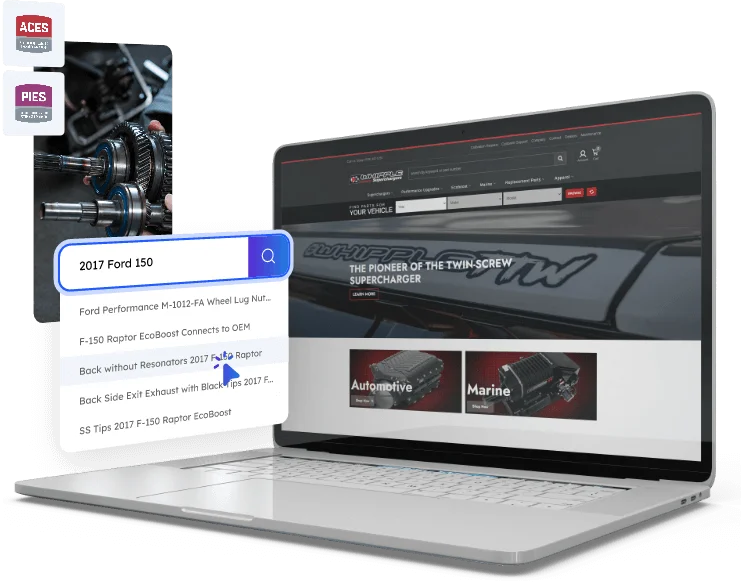
With the use of the Import Scheduler product data can be automatically updated nightly from an FTP site.  Third party data providers can provide information on 1000s of SKUs that you would otherwise have to enter manually. 

WSM™ has teamed with DCI & Catalog Rack to provide such a solution for the Automotive Aftermarket industry.  This integration allows for over 1 million SKUs to be populated in the eCommerce site instantaneously.  Once the scheduler is enabled you can walk away and rest assured that your product is up-to-date.

Not only can you schedule one import, but you can schedule multiple Data Feeds from FTP sites.  They can be scheduled to your specifications:

  • Daily
  • Weekly
  • Monthly

How to Create Custom Import Profiles

Whether you take advantage of WSM™’s Global Export Profiles like the Shopping.com Shopping Data Feed, or need to create a custom mapped Import Profile, you will be amazed at the usability of this feature.

Creating Custom Import Profiles

  1. Clicking this icon will open the profile for editing
  2. Clicking this icon will make a copy of the profile and open it for editing
  3. Displays custom mapped fields within the import profile
  4. Clicking this icon will allow you to upload a CSV TSV, or PSV file
  5. Clicking this icon will download the CSV TSV, or PSV file

Having complete control of which data to import or export could be daunting.  Unless of course, you are using WSM™’s eCommerce Import and Export Management System.  This is a look at the sub-items within the listed item. 

Global Import Profiles

  1. Indicates that the item is a global mapped field within a global profile shared across all sites. Global items cannot be modified by regular users; your own custom profiles will not have this limitation.
  2. Clicking this icon will open the custom mapped field for editing
  3. Permanently removes the custom mapped field from the system

Global Product Profile Mapped Fields

  • Added – This is set literal to 2009-01-01 01:01:01 so they are not marked NEW
  • Brand – Maps to a column called Brand which creates the Brand dynamically 
  • Category – Category Tree in the form of Parent>Sub Cat>Sub Sub Cat 
  • Cost – Your product cost used for tracking profit 
  • Dealer ID – The manufacturer product ID 
  • Height – Shipping package height 
  • Image – Web accessible product image is automatically resized during import  
  • Length – Shipping package length 
  • Meta Description – Using expressions this is build from multiple fields 
  • Meta Keywords – Using expressions this is built from multiple fields 
  • Meta Title – Most important for SEO this is built from multiple fields 
  • Price – Product retail price 
  • Sale – Product sale price 
  • Stock ID – Your internal product id, critical that this is unique for every product 
  • Description – Primary product description 
  • Extended Description – Extended product description 
  • Name – Product name or title 
  • Weight – Shipping package weight 
  • Width – Shipping package width 

Additional Custom Profile Mapped Fields

  • Attachment – Link to a PDF file to attach to the product 
  • Attributes – Used to group attribute sets together like Year, Make, Model 
  • Attribute-Set – Used for single attribute set, CSV format: 1998, 1999, 2000 
  • Customer Group – Group this product belongs to
  • Hidden – Hide this item
  • Login Required – Requires customer login
  • Parent – Parent category
  • Priority – Listing priority
  • Stamp – date stamp
  • Template – Which template to use
  • Title – Name or title of the item
  • Address 1 – Primary Address Line 
  • Address 2 – Secondary Address Line 
  • City – US City 
  • Details – Extra Details
  • End – Does it have an end date
  • End Date – Date the event ends
  • Phone – Phone Number
  • Province – Providence
  • Start – Does this event have a start date
  • Start Date – Date the event starts
  • Title – Title of the event
  • URL – URL of the event or tickets page
  • Venue – Where the event will be held

WSM’s™ Data Import/ Export Capabilities and Endless

The usage of the Data Import/ Export is incredibly varied and limited only by your imagination.  Whether you need to migrate from another eCommerce shopping cart, or import third party product information nightly, our technology is flexible enough to accommodate your specific needs. If you happen to have more complex needs don’t hesitate to contact us for a custom quote.

We look forward to discussing with you the possibilities of using the Data Import/ Export to benefit your business. 

Talk To Us:

(619) 663-9306

Call us & get personal attention!